Chatbot Builder
Create one or many chatbots for your business, branch, service, or client.
aZentiKo gives your business a chatbot that can answer, collect details, guide visitors, and help your team manage customer conversations.
Builder, knowledge, AI replies, leads, callbacks, tickets, commands, analytics, webhooks, and branding work together in one simple platform.
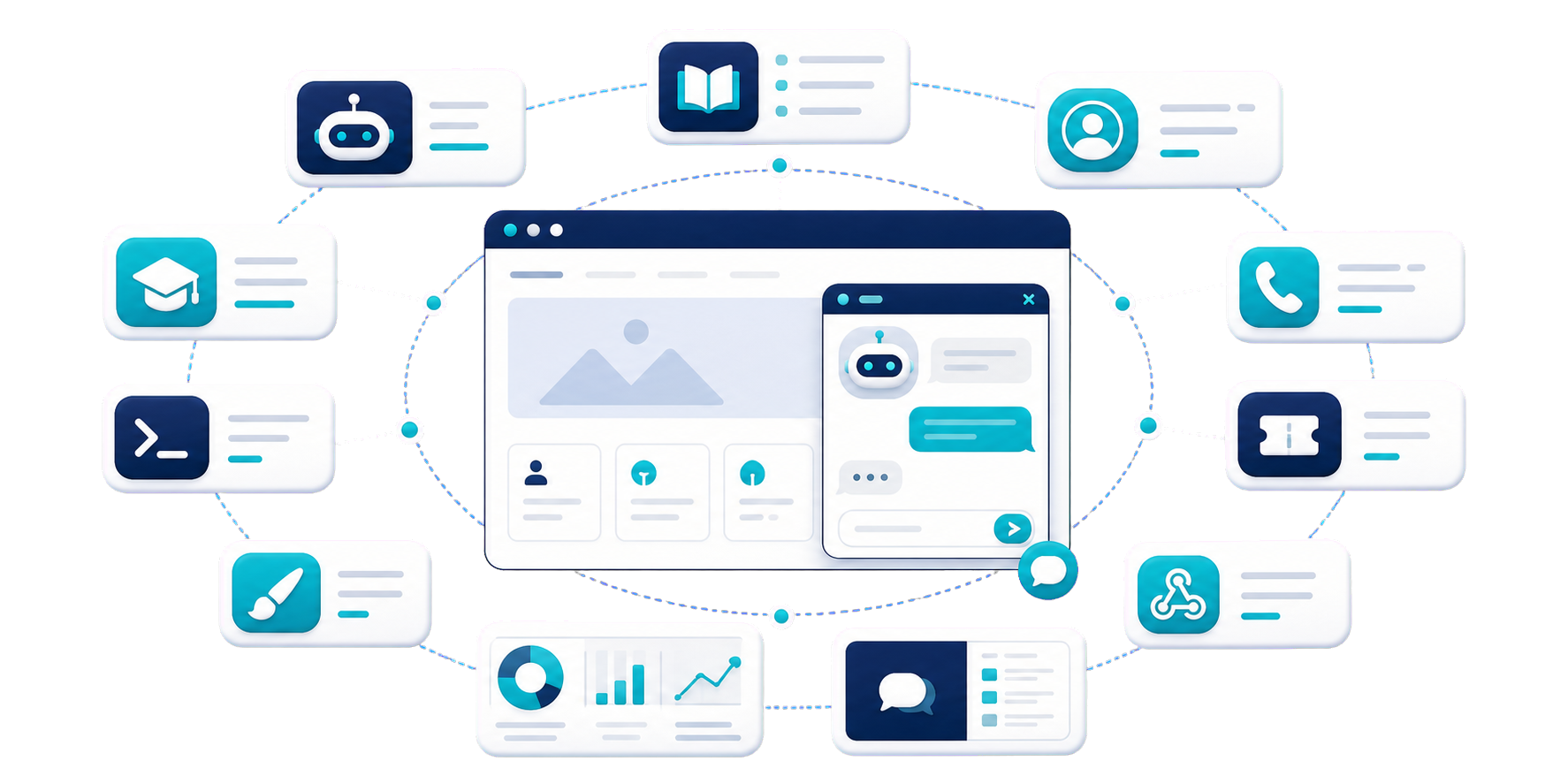
Create, brand, publish, and control your chatbot from one simple client panel.
Create one or many chatbots for your business, branch, service, or client.
Set assistant name, tone, subtitle, profile image, and helpful behaviour.
Choose colors, launcher, widget position, layout, and brand style.
Control online/offline status, working hours, timezone, and offline message.
Train the chatbot with real business information so it can answer accurately.
Add common questions and answers for quick customer help.
Upload product details, price lists, policies, PDF, DOCX, CSV, XLSX, and text files.
Save products, services, contacts, social links, locations, owner details, and hours.
Import useful website pages after domain validation and processing.
Turn website visitors into useful follow-up items for your team.
Collect name, email, phone, and visitor enquiry from chat.
Visitors can request a call and share preferred time.
Create chatbot-generated tickets from visitor issues, separate from normal support tickets.
Show contact, WhatsApp, products, services, pricing, hours, and location without AI cost.
Use AI smartly with business knowledge, safe fallback, and cost control.
Search business knowledge first, then ask AI to write the answer from trusted context.
If information is missing, the chatbot avoids guessing and guides the visitor safely.
Share a direct chatbot link when the client does not have a website.
Balance answer quality, speed, and cost with configured provider routes.
See how visitors use the chatbot and improve it every week.
Track chats, messages, visitors, leads, callbacks, and tickets.
See questions the chatbot could not answer and add missing knowledge.
View safe visitor data like browser, device, pages, and referrer when enabled.
Monitor message limits, token use, estimated AI cost, and plan capacity.
Connect chatbot activity with your workflow and receive useful updates.
Send lead, callback, ticket, command, fallback, and widget events to external tools.
Choose which optional emails you want, like leads, billing, tickets, and weekly analytics.
Get approval, rejection, invoice, expiry, and renewal updates.
Useful for owners, sales, support, agencies, and operators.
The client panel is made to show clear next steps: setup chatbot, add data, connect domain, test, and improve results.
Start with your account and add your first business chatbot.
Sign Up Now