Explore the supplied assistant links or request a walkthrough for your business.
••••••
Choose how to explore
Try a Channel. Ask for the Demo You Need.
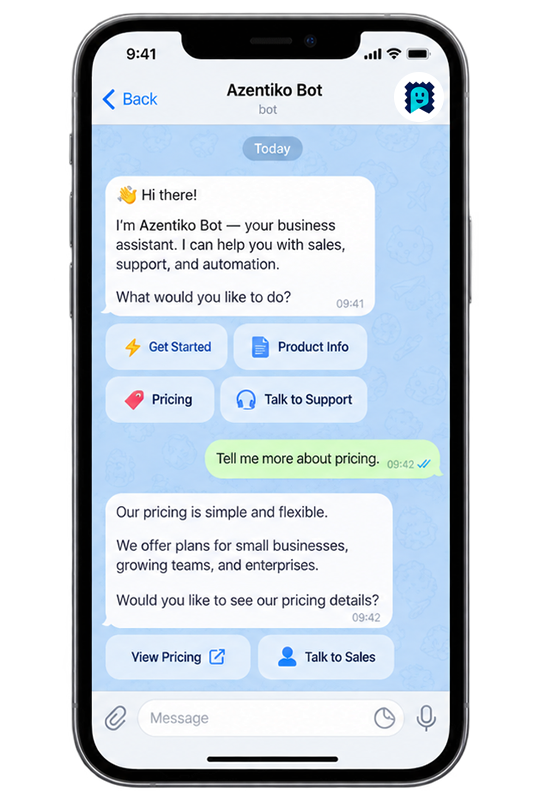
The ChatGPT and Telegram URLs below were supplied for AzentiKo. They open external services and may need a provider account. Their current responses and availability have not been independently tested here. WhatsApp opens our team contact, not a verified AI bot.
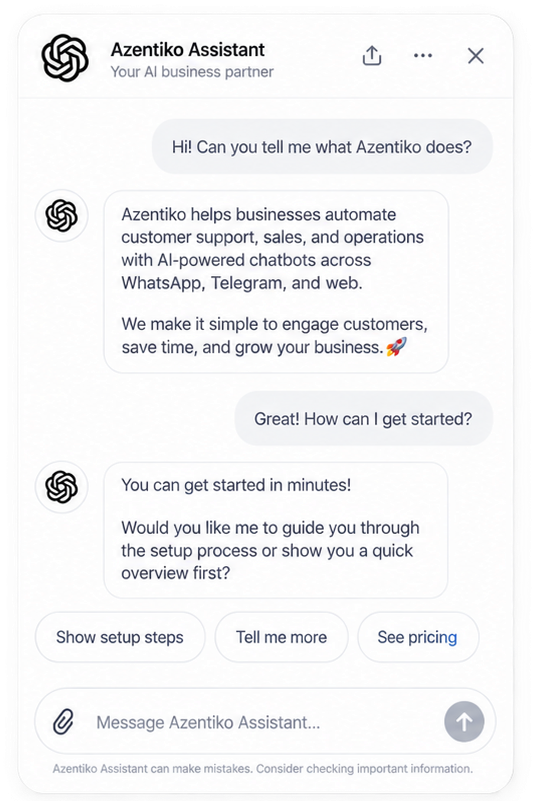
ChatGPT Assistant
Explore the supplied assistant link and ask your own business questions.
Supplied illustrative artwork. Do not enter confidential or sensitive customer information in a public demo.
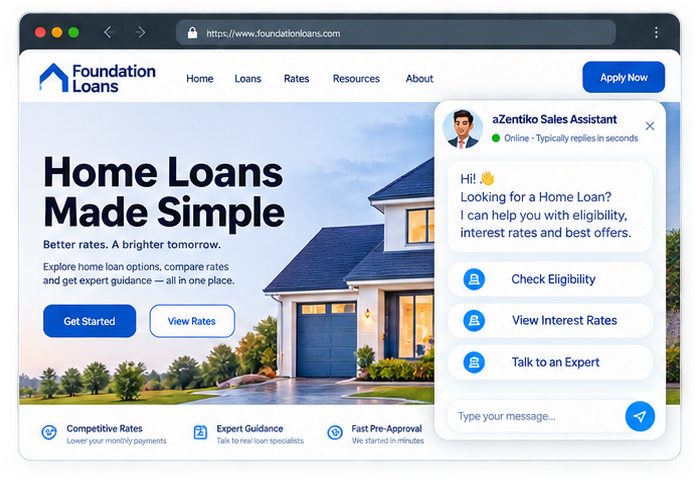
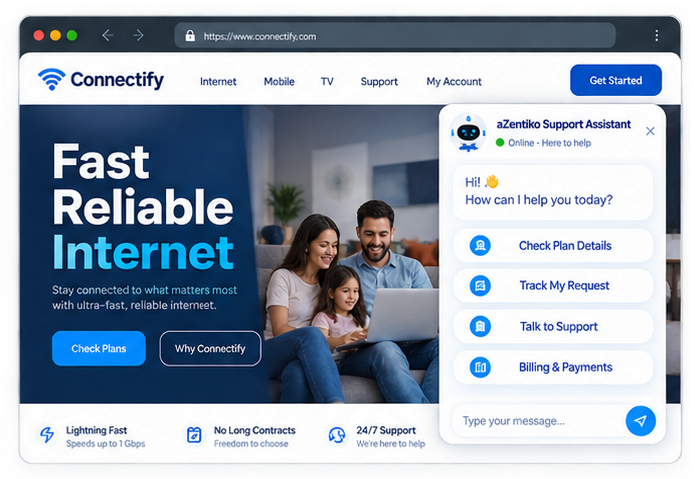
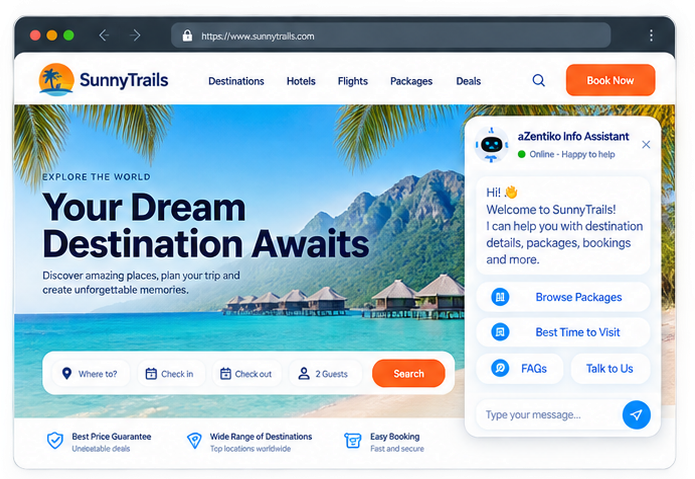
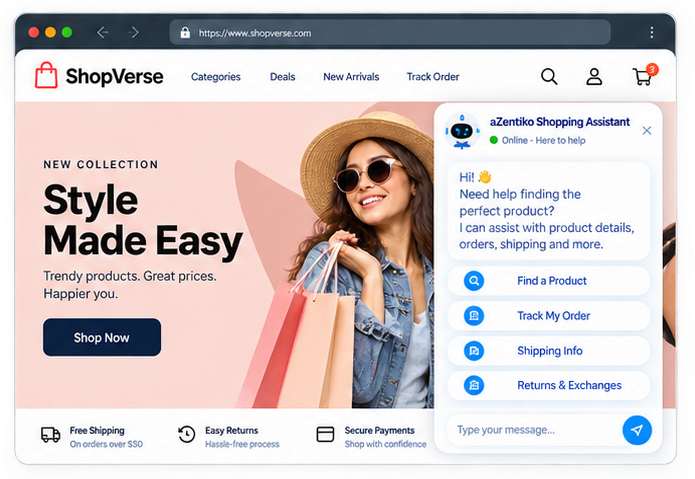
View the original mock-ups for loans, support, travel and shopping. A configured live website link is shown only when it is not a reserved example URL.
Foundation Loans
Sales Assistant — loan details, eligibility and enquiries
Visual example only. A real website demo URL is still needed.
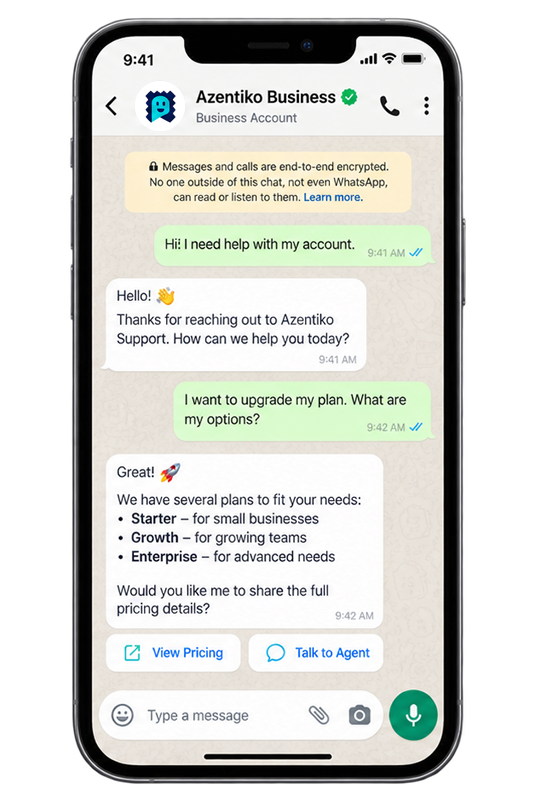
These original illustrations help you understand the kind of conversation and workspace we can review together. They are not a production login, and they do not claim that every screen is available in every plan.
Customer chat view
Bring a few real customer questions and see how approved business information can guide a clear reply.
Illustrative artwork, not an interactive session.
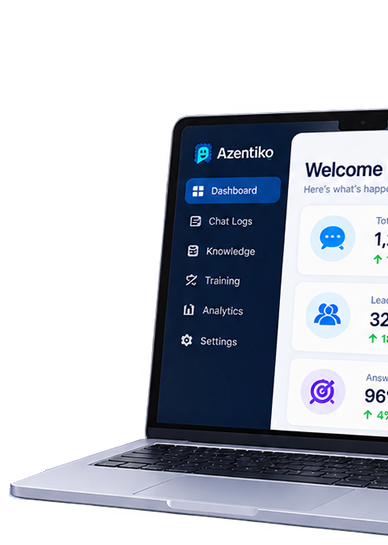
Business setup view
Review information sources, enabled tools, permissions, follow-up routes and plan limits with our team.
Illustrative artwork, not a production dashboard.
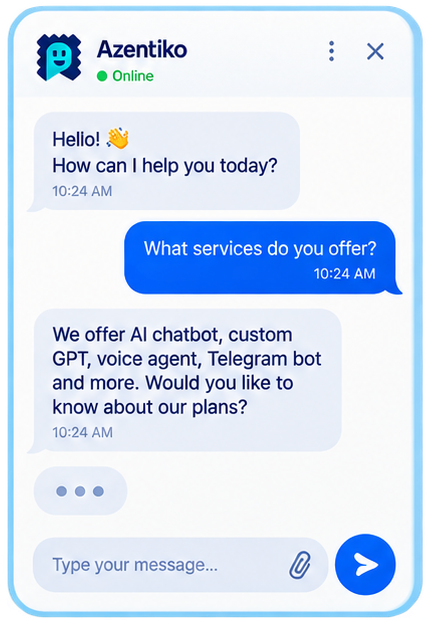
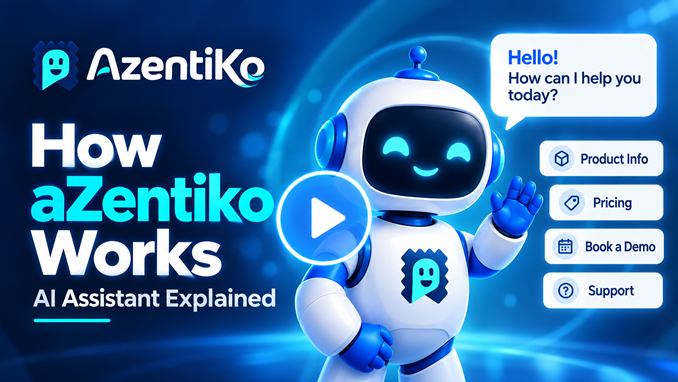
Watch an Example Conversation
This is an animated illustration, not a live assistant. No message is sent, and no account or customer information is collected.
Hello! How can I help you today?
What information should I add?
Start with approved FAQs, business details and documents supported by your plan.
How do I check the answers?
Ask customer questions, review each reply and add missing information before sharing your assistant.
Example customer question: What information should I add? Example reply: Start with approved FAQs, business details and documents supported by your plan.
Example customer question: How do I check the answers? Example reply: Ask customer questions, review each reply and add missing information before sharing your assistant.
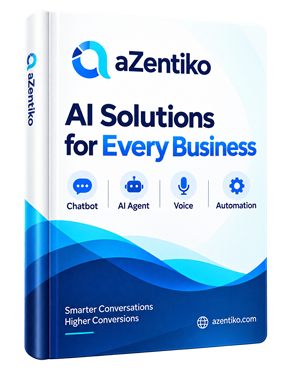
The original landing-page artwork is retained. These pictures are previews, not a video player or PDF download. A media link appears only when a suitable destination is configured; otherwise, explore the website guides or request a walkthrough.
A Clear Product Walkthrough
Ask for a step-by-step explanation, practical examples and a review of the benefits for your business.
Share what you sell, who you help, the questions customers ask and how your team handles enquiries today. Setup time depends on your content and tools; there is no fixed 24-hour delivery promise.
Explore our supplied profiles, assistant links and team contact. These open external services, which may need an account. Opening a link does not send a message or connect your business automatically.
WhatsApp is the supplied team contact, not a verified AI bot. Do not share sensitive customer data in a public demo.
Your next step
Bring Your Questions. See What Could Work for Your Business.
Explore the examples or request a guided walkthrough. Our team can help you check the plan, setup and tools you need.
A demo request opens your email app. Your team and ours will agree the next steps.
Your Privacy Choices
Choose the services you want to use. Google Analytics measures visits, Meta Pixel helps us understand advertising, and AzentiKo chat connects you to our assistant. These services may use cookies or device storage. You can use this website without them.




Stay in touch
Find AzentiKo on the Right Channel
Explore our supplied profiles, assistant links and team contact. These open external services, which may need an account. Opening a link does not send a message or connect your business automatically.
WhatsApp is the supplied team contact, not a verified AI bot. Do not share sensitive customer data in a public demo.