













How It Works

Add your information. Test your answers.
Share helpful AI chat with your customers.

Friendly AzentiKo AI assistant waving hello

What Your Assistant Does

Your Information.
Helpful Customer Conversations.

Answer Everyday Questions

Help visitors understand your products, services, prices and opening hours using the information you add.

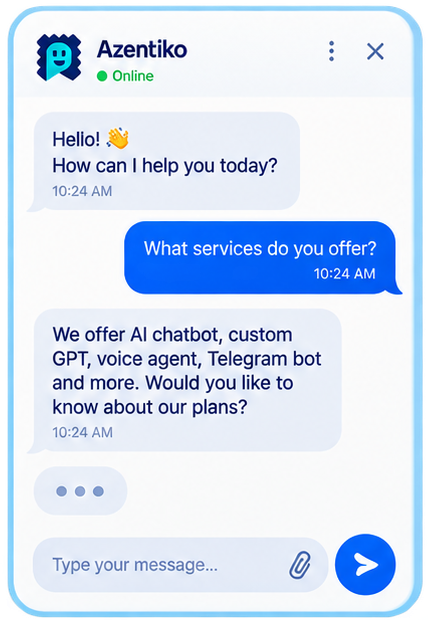
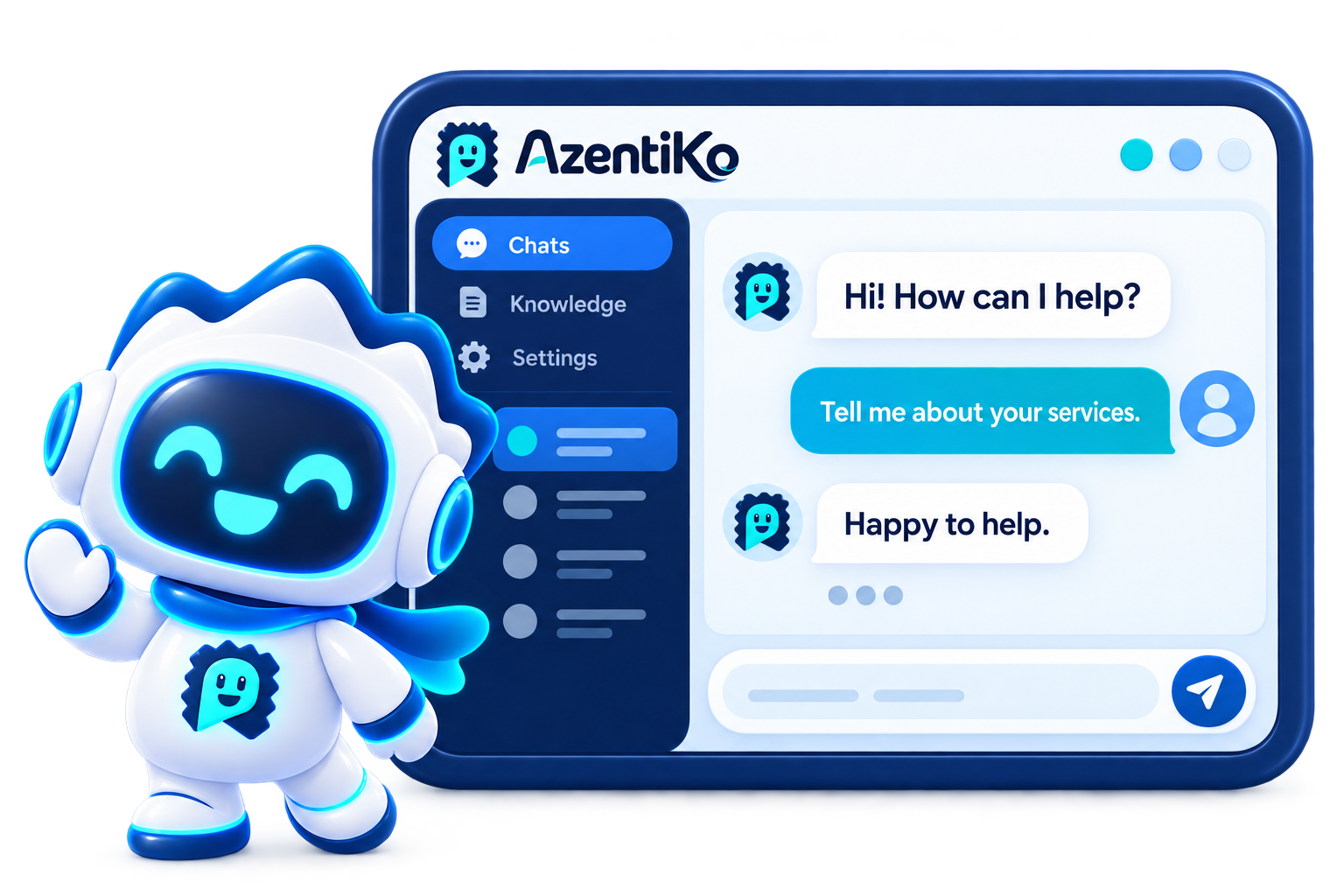
Illustrative example of a conversation with an AzentiKo AI assistant
Ready to Assist

Share Your Chatbot

Add a widget to your approved website or share a full-page chat link. Customers can open it on their phones.

Friendly AI assistant ready to help your customers Website Phone access QR code Chat URL

Add Business Information

Add FAQs, files and website pages. Keep your details up to date, then train and test your assistant.

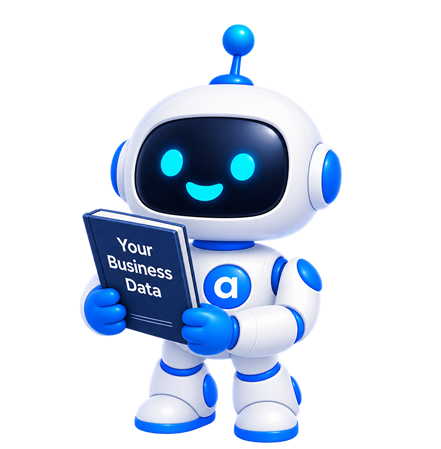
AzentiKo assistant holding your business data

Illustrative artwork. Check your plan for the tools enabled in your account.

Illustrative AzentiKo AI dashboard with the branded assistant mascot
Illustrative artwork, not a screenshot of the live product.

How it Works

Set Up Your AI Chat
in Four Clear Steps

  1. Create Your Assistant

    Create an account and choose a paid plan. Set your business name, language, welcome message and assistant tone.

  2. Add Your Business Information

    Add FAQs, documents, products, prices, policies or website pages. Use clear, current information that your customers need.

  3. Train and Test

    Ask common customer questions and review the replies. Check prices and contact details, then add anything that is missing.

  4. Publish and Share

    Add the widget to your approved website or share its chat-page link. Review conversations and enquiries, and keep improving your information.

Get Started

Your plan and enabled tools decide which features you can use. Check plan details.

Why This Setup Helps

Keep Your Business Information
at the Centre of Every Chat

Your Business Knowledge

Use your FAQs, files and pages to help your assistant give relevant answers.

Help with Common Questions

Let AI handle everyday questions while your team focuses on important conversations.

Simple Setup

Create your assistant and add knowledge through the platform, without coding.

Website or Chat Page

Use a website widget or share a dedicated chat-page link without a website.

Enquiries for Your Team

Collect enquiries and callback requests when these tools are enabled in your plan.

AI can make mistakes. Keep reviewing answers and updating your business details.

FAQs

Questions About
Setting Up Your AI Chat

How do I prepare my business information?

Start with common questions, product or service details, prices, opening hours and contact information. Add current policies and clear answers. Do not add information you do not want the assistant to share.

Do I need coding skills to get started?

No. You can add your business information and set up your assistant through the platform. Create an account, choose a paid plan and follow the setup steps.

How should I test my assistant?

Ask the questions your customers normally ask. Check products, prices, timings and contact details. Also try a question that is not covered in your information. AI can make mistakes, so review replies and add missing knowledge before publishing.

Can I use AzentiKo without a website?

Yes. You can share a full-page chat link with your customers. For a website widget, follow the domain approval and setup steps in your account. Available features depend on your paid plan and enabled tools.

A clear start for your team

Get Started in Minutes, With the Right Information

Start with the questions your customers ask most. Then add approved answers, product details and a simple route to your team. This describes the start of setup, not a fixed go-live date. The exact work depends on your plan, content and chosen channels.

Illustration of creating an AzentiKo account01

Create your account

Tell us about your business, customers and the first place where you want help. Keep your team contact and working hours ready.

Illustration of adding approved business information02

Train with your information

Bring website pages, blog posts, FAQs, PDFs, presentations, documents, product catalogues, price lists, spreadsheets, approved social or email content, and transcripts for video or audio. Review answers before you share them.

Branded AI assistant ready for customer conversations03

Deploy where customers ask

Choose the channels that fit your plan: website, WhatsApp, Instagram, mobile app, QR code, SMS, email, chat URL or subdomain.

Before you share your assistant

Check prices, offers, terms, availability and contact details. Test questions from customers in a hurry, comparing options or missing information.

  • Choose a suitable tone and language.
  • Keep a clear route to a human.
  • Confirm your files, channels and plan limits.

These steps explain the preparation. They do not promise a fixed launch time or automatic deployment on every channel.

Your Next Step

Ready to Add AI Chat
to Your Business?

Turn your business information into helpful customer conversations. Create an account, choose a paid plan and train your assistant with your own content.

Demo requests open your email app. Our team will confirm the next steps.